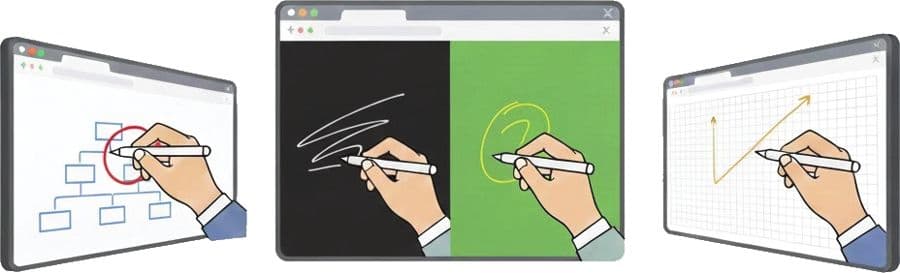
On-screen annotation across any content
Draw, highlight, underline or mark important points directly on PPTs, PDFs, videos, images, browsers or your entire desktop.
Revolutionise the way you teach, present and collaborate. Annotech turns your existing projector into a fully interactive digital workspace.
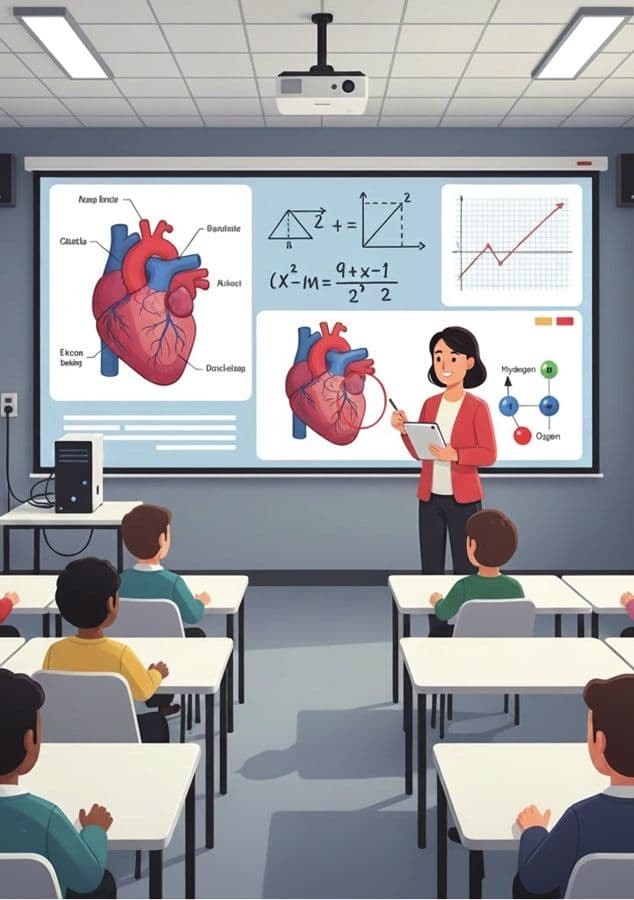
Live annotation in a real classroom
What is Annotech?
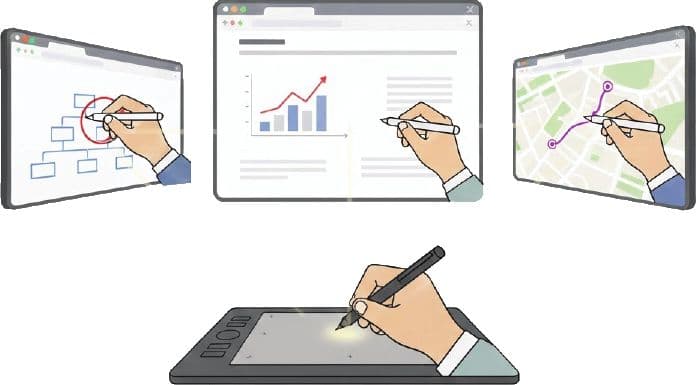
Annotech is an advanced pen-based interactive solution that transforms any standard projection screen into a fully interactive digital workspace.
No new projector. No new computer. No interactive display.
Simply upgrade your existing setup to deliver a touchscreen-like experience using a digital pen and tablet.
Features
Draw, highlight, underline or mark important points directly on PPTs, PDFs, videos, images, browsers or your entire desktop.
Switch instantly between whiteboard, black board, green board and graph sheet — all digitally, no markers required.
Write and annotate on a pen-enabled tablet. Control presentations, highlight key points and move objects effortlessly in real time.
Capture full lessons or presentations with screen and audio, then store them for revision, sharing or documentation.
Recordings can carry your own watermark logo and an optional camera overlay — so your content stays clearly yours and is protected from misuse.
Real-time visual annotations simplify complex concepts, increasing understanding and retention.
Ideal for auditoriums or classrooms with multiple displays — interact on any size projection surface.
A compact set of pens, shapes, erasers and boards that anyone can pick up without training.
Interactive writing and drawing keep students, trainees and meeting participants more attentive and involved.
Move between desktop mode and annotation board mode instantly — without interrupting your session.
The interface
Annotech floats quietly over whatever is on screen — pens, boards, pages, recording and export, always one tap away, never in the way of your content.
Benefits
Convert your current projector setup into an interactive panel — no need to uninstall or buy a new display.
Small room or large hall — every corner of your projection becomes reachable and interactive.
No high exposure from large-format flat panels, and no standing in the path of the projector's light beam.
A minimal, intuitive interface designed so any teacher or presenter can start within minutes.
Classrooms, meeting rooms, labs, training centres, auditoriums, hybrid and online sessions.
Go completely digital — no physical markers, whiteboards or erasers, and a far more versatile toolset.
Use cases
Wherever there is a projection surface, Annotech turns it into a place people can write on together.
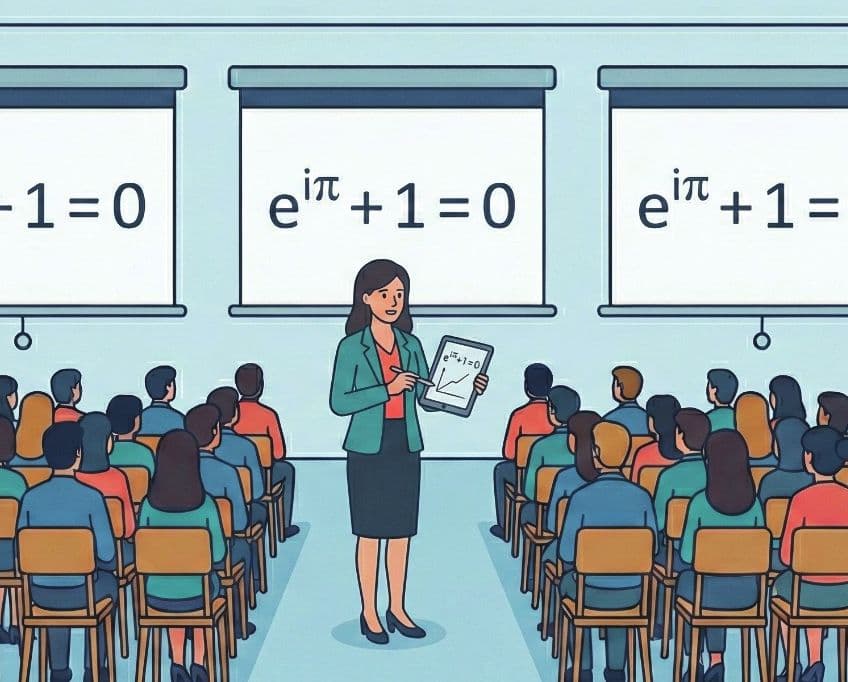
Annotate diagrams, solve maths problems live, highlight theory or demonstrate experiments visually.
Technical training, product demos, coding walkthroughs, engineering explanations and hands-on workshops.
Mark data points, underline insights, explain workflows and collaborate in real time.
Interact with large-format projected screens for seminars, conferences and large-audience talks.
Synchronise multiple displays and annotate seamlessly across all screens for blended learning.
Annotate designs, review layouts, sketch ideas and present concepts during client presentations.
Pricing
Basic covers every annotation and board feature. Capture adds recording, with your own logo and camera video included in the video.
Full annotation and board toolset — everything except Settings and Recording
Everything in Basic, plus recording
Pricing is quoted per setup — tell us your room and screen count and we will send exact figures.
Get in touch
Tell us about your classroom, hall or meeting room and we'll arrange a live demonstration on your existing setup.